TAP TAP GO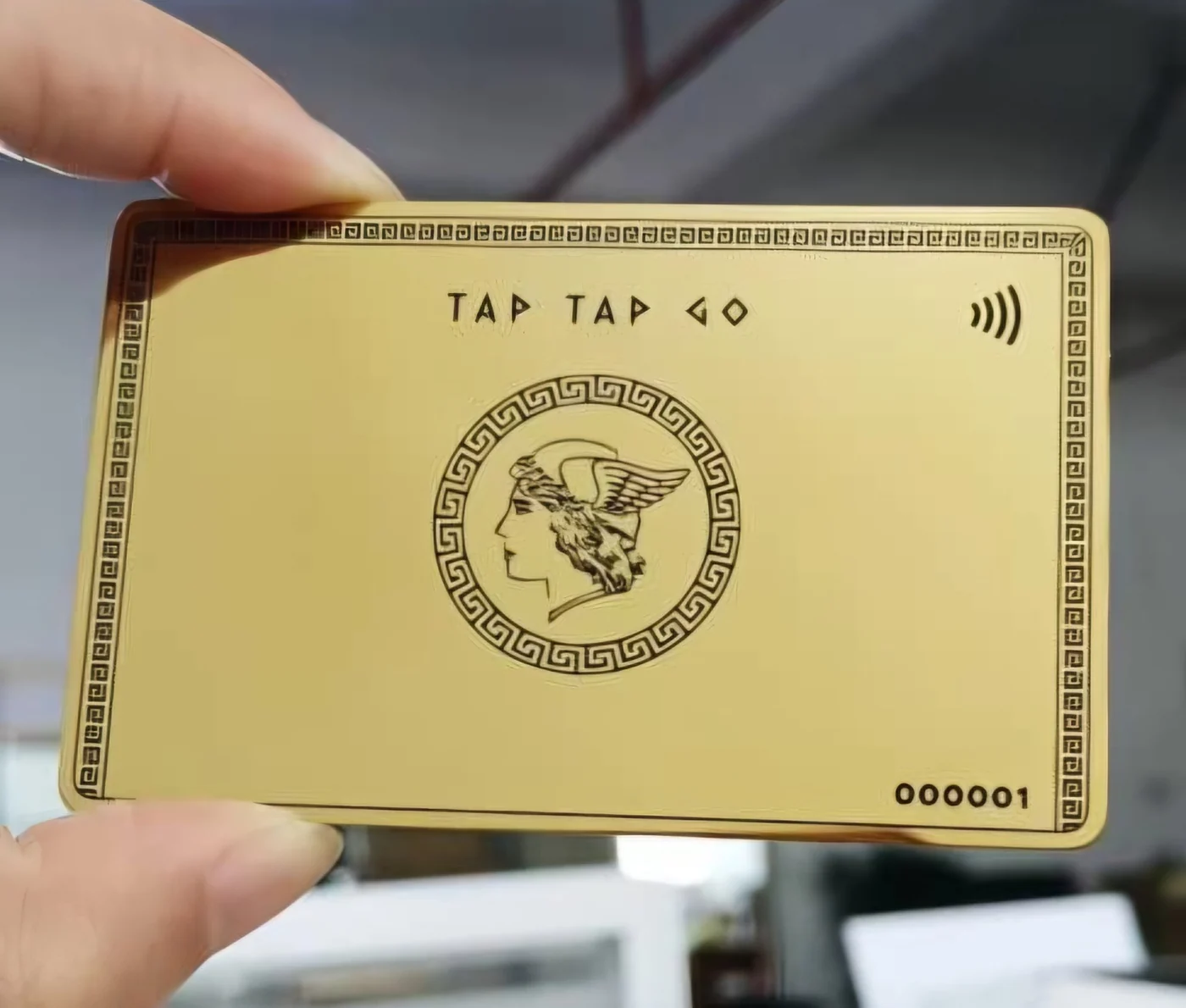
An intentional route through your work
Tap Tap Go’s product model includes a profile with multiple social links and optimisation assistance. Use the assistant to organise those links around the visitor’s task: see work, understand expertise or make contact. Do not ask it to treat platform popularity as proof of competence. A small portfolio channel may be the most relevant evidence for a particular project, while a large personal account may distract from the professional introduction.
Keep the prioritisation explainable
Give each link a short description of what it contains and who it serves. Ask for a proposed order with a reason for each choice. Review whether the suggestions match current content and permissions; the assistant should not infer that an account is official merely from a similar name. Open every selected destination yourself and check that the next step is understandable. Keep optional personal channels separate from the primary professional route when their audience or content differs.
Hypothetical example
A creator has a popular lifestyle account and a smaller channel containing relevant project work. For a collaboration profile, the assistant proposes putting the project channel first. The creator verifies the destination and keeps the personal account as an optional secondary link rather than letting follower count decide the journey.
Make it practical.
Use this checklist as you read. Checks are not stored.References & further reading
Tap Tap Go Journal: product context and editorial approach ↗Published by Tap Tap Go. Product availability and eligibility vary by programme and market. About our stories.