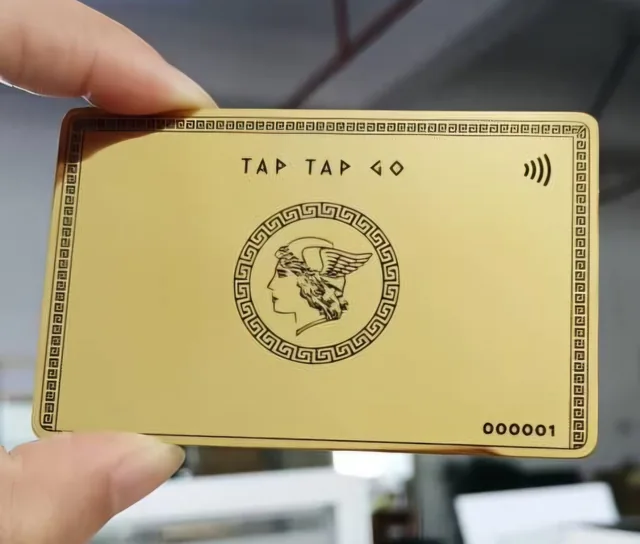
TAP TAP GO
Label the demonstration
Use fictional names and clearly identified sample records. Avoid copying real customer details into screenshots or public presentations merely because they look more realistic. Where numbers are shown, explain that they illustrate the interface rather than represent company performance. A polished dashboard can easily be mistaken for evidence of traction if its status is not clear.
Choose believable scenarios
Keep the sample internally consistent so viewers can follow the task. A demonstration of enquiry routing should include realistic categories and clear next actions, not random placeholder text. Check that no sample account appears to impersonate a real organisation or person. Review screenshots after product updates so the demonstration does not teach an obsolete workflow. The goal is clarity, not manufactured social proof.
Hypothetical example
A hypothetical presentation shows a team dashboard with fictional employees and sample enquiries. A visible note identifies the data as illustrative. The presenter explains the workflow without describing the numbers as actual customer activity or using them to imply revenue growth.
Make it practical.
Use this checklist as you read. Checks are not stored.Published by Tap Tap Go. Product availability and eligibility vary by programme and market. About our stories.