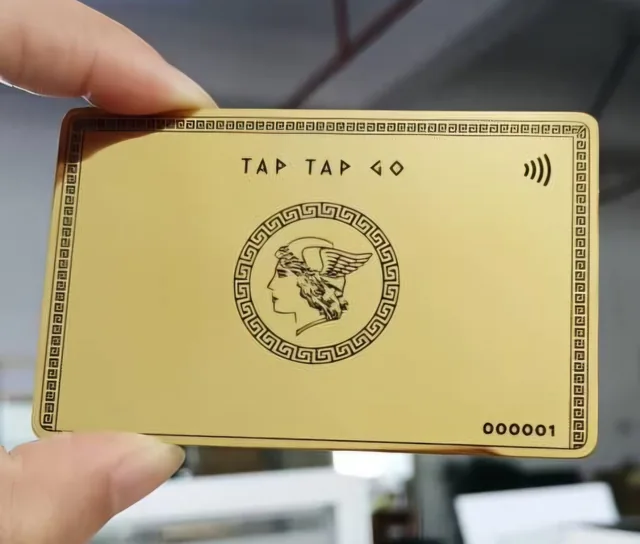
TAP TAP GO
Connect the object to its explanation
After showing a material, prototype or sample, share a Tap Tap Go profile containing the relevant project or document. Identify the exact resource while the object is still in view. The profile gives the recipient a way to reconnect the physical impression with the specifications, context and person who can answer questions.
Prepare for the next comparison
The recipient may compare several options after leaving. Use clear names and status labels so the resource remains recognisable. Explain which details are illustrative and which are confirmed for the actual offer. A connected sample journey supports informed evaluation without requiring the recipient to remember every spoken detail or carry a stack of unrelated papers.
Hypothetical scenario
In a hypothetical showroom meeting, a visitor examines a finish sample and opens the matching overview through the host’s profile. Later, they can find the same reference when discussing options with colleagues.
Make it practical.
Use this checklist as you read. Checks are not stored.Published by Tap Tap Go. Product availability and eligibility vary by programme and market. About our stories.