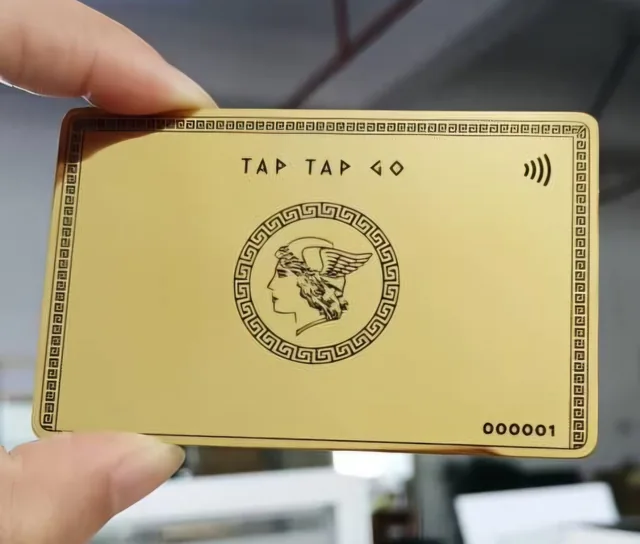
TAP TAP GO
Understand the decision
Before sharing a payment-related link, provide context: the service or order, intended recipient, amount where known and a contact route for questions. Do not rely on a logo or a short message saying “pay here.” The person opening the link should be able to compare the request with an agreement they recognise. If payment details change, verify the change through an established independent channel rather than expecting a new link to validate itself.
A practical workflow
Test the customer journey using the provider’s approved testing method where available, without initiating an unintended live transaction. Check that the page description matches the request and that support information is visible. Keep payment credentials out of email and ordinary enquiry forms. For a public profile, distinguish a general payment option from a specific invoice request so visitors are not unsure whether they owe anything. Publish only capabilities and availability that the business can currently substantiate.
Hypothetical example
A consultant sends an agreed invoice reference with the payment link and a known business contact address. The client can match the amount and service before proceeding. When a payment destination later changes, the consultant confirms it through the existing communication channel rather than sending an unexplained replacement.
Make it practical.
Use this checklist as you read. Checks are not stored.References & further reading
Further reading: FTC: Scammers hide harmful links in QR codes ↗Published by Tap Tap Go. Product availability and eligibility vary by programme and market. About our stories.