TAP TAP GO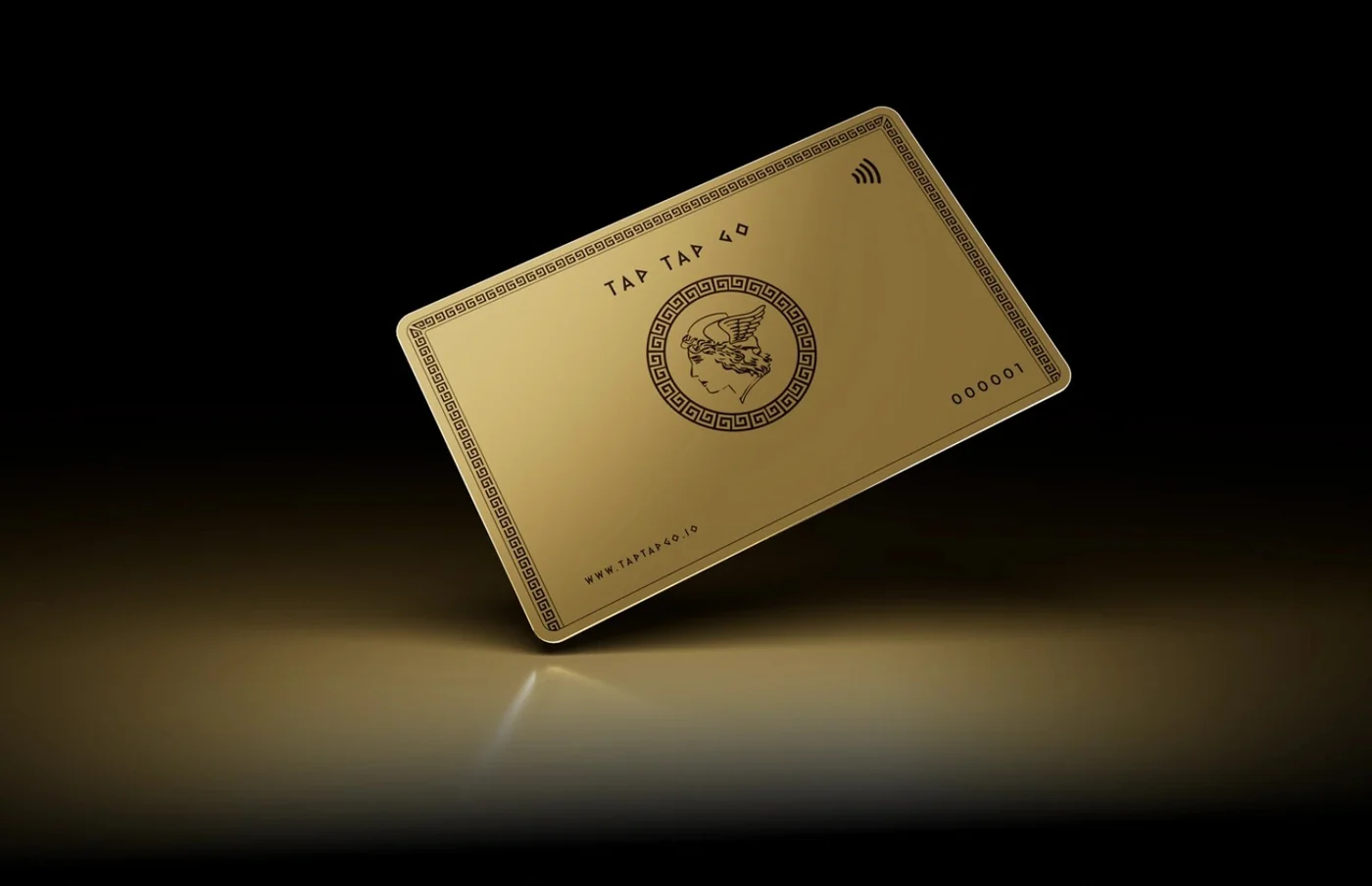
What the reader needs
Start by asking what information the image contributes. A product photograph might show a specific finish, while a decorative lifestyle image may add atmosphere without adding a factual message. A chart needs its essential finding available in text. Do not use alternative text as a place to repeat keywords or make promotional claims. W3C’s image guidance distinguishes images by purpose; the editorial decision is to make the page’s meaning available without requiring the image to be seen.
How to review it
Review the image together with its caption and surrounding paragraph. Describe what would otherwise be missing, without repeating an entire adjacent explanation. For an image that functions as a link or button, make the action understandable. Ask a reviewer to read the page without its images and identify gaps. Keep descriptions in the content workflow so replacing an asset also triggers a description review. A new image can make an old description inaccurate even when the layout remains unchanged.
Hypothetical example
A journal article includes a decorative café photograph and a diagram explaining a contact-sharing process. The team treats the café image as atmosphere, while the process receives an equivalent text explanation. Readers can still understand the workflow when the visual diagram is unavailable.
Make it practical.
Use this checklist as you read. Checks are not stored.References & further reading
Further reading: W3C WAI: Images tutorial ↗Published by Tap Tap Go. Product availability and eligibility vary by programme and market. About our stories.