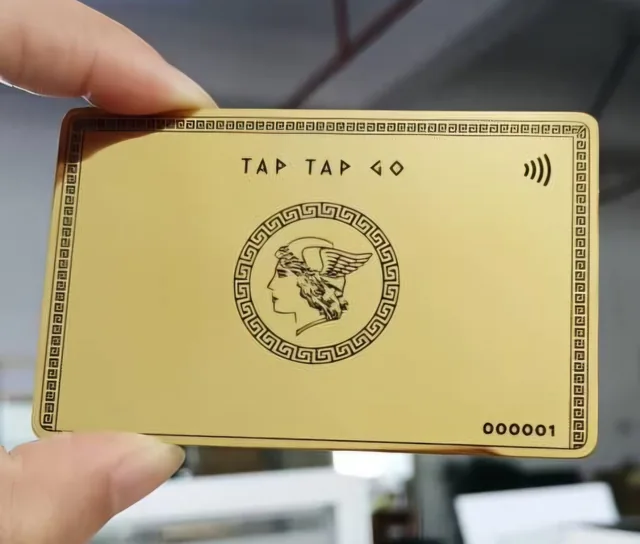
TAP TAP GO
Bring the work into view
A developer’s best explanation often begins with something that works. Tap Tap Go can bring a short demonstration, project notes, repository link and professional contact into one connected introduction. Choose a project that makes the problem visible, then explain your contribution. A visitor should be able to appreciate the result without reading the entire codebase or recognising every tool in the stack.
Continue the useful conversation
After a meetup, use the profile as a route back to the demonstration and a specific follow-up question. Lead capture can support an interested person’s enquiry; it should ask for the context needed to continue, not every detail of their organisation. Profile engagement can suggest which resources attract attention, but it cannot tell you why every visitor looked. Use actual conversations to decide what deserves a deeper explanation.
Hypothetical scenario
Imagine a developer demonstrating a small scheduling prototype. A visitor opens the profile, watches the workflow and sends a question about a similar coordination problem, creating a concrete reason to reconnect.
Make it practical.
Use this checklist as you read. Checks are not stored.Published by Tap Tap Go. Product availability and eligibility vary by programme and market. About our stories.