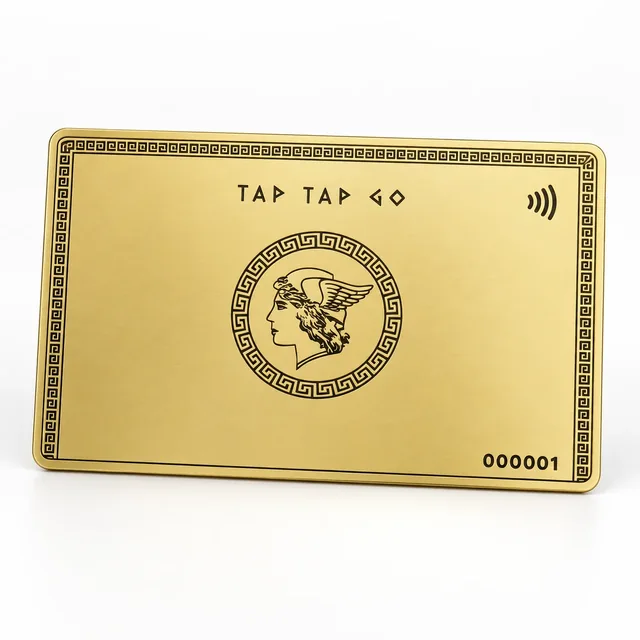
TAP TAP GO
The image is not the entire case
Tap Tap Go’s portfolio model gives images a place in a broader professional introduction. The intended content assistant can help turn a short project brief into readable captions. Supply the project context, your role and the specific design or operational decision shown. Do not rely on the assistant to infer client approval, commercial success or technical performance from the image alone. A polished photograph can illustrate work without proving what happened after it was delivered.
Write around verified observations
Ask for a caption that separates visible details from supplied facts. Check names, materials, dates and descriptions of responsibility. If a project is confidential, provide only the approved public context and avoid using private source files merely to improve the writing. Pair the caption with a deeper case study only when that material is authorised. The result should help a prospective client ask a more informed question, not inflate the image into evidence of outcomes nobody has verified.
Hypothetical example
A designer shares an approved image of a completed installation. The assistant drafts a caption about the layout decision and the designer’s role. A sentence claiming increased sales is removed because no such result was supplied. The caption remains engaging while accurately explaining the work shown.
Make it practical.
Use this checklist as you read. Checks are not stored.References & further reading
Tap Tap Go Journal: product context and editorial approach ↗Published by Tap Tap Go. Product availability and eligibility vary by programme and market. About our stories.