TAP TAP GO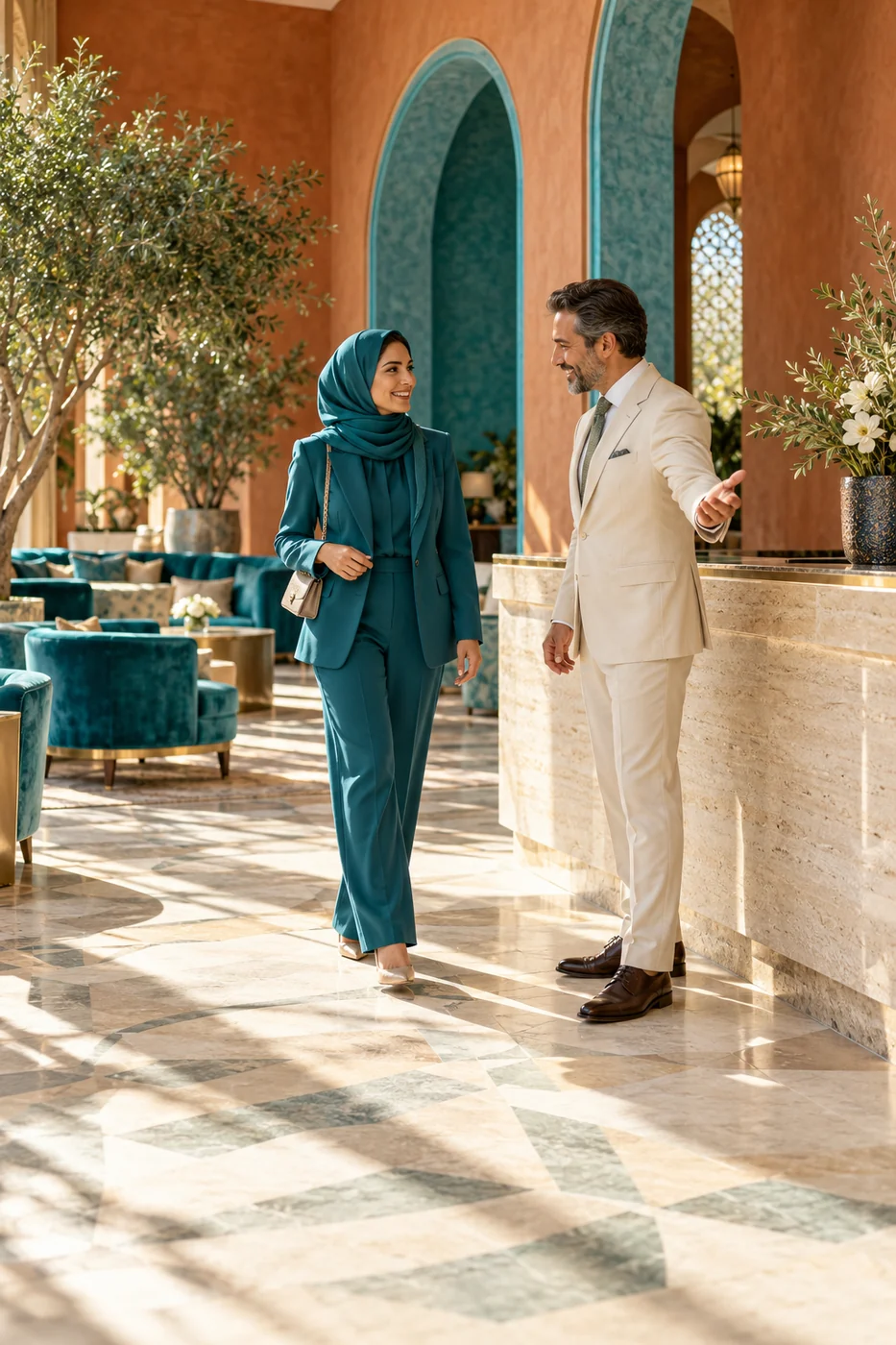
What the reader needs
A moving hero image can establish atmosphere, but a reader should not have to wait through a long sequence to understand the page or reach the next step. Identify which animation is decorative and which conveys information. Provide appropriate controls for moving content and consider reduced-motion preferences in implementation. Avoid placing essential terms inside a fleeting frame that disappears before someone can read it. The static version should still explain the publication’s purpose.
How to review it
Review the page with motion disabled or reduced, then compare the information available. Check whether buttons, headings and status messages remain usable. Test a slow device and a narrow screen, because a complex animation can obscure the reading order even when it looks smooth on a designer’s machine. Give the implementation team a clear fallback image and copy. Treat motion as a presentation layer over dependable content rather than as the only place where the product story exists.
Hypothetical example
A magazine opens with a cinematic scene, while the headline and primary navigation remain immediately available. A reduced-motion version uses a still image with the same message. Readers can explore the story without waiting for the animation to complete or losing access to essential information.
Make it practical.
Use this checklist as you read. Checks are not stored.References & further reading
Further reading: W3C WAI: Pause, stop, hide ↗Published by Tap Tap Go. Product availability and eligibility vary by programme and market. About our stories.