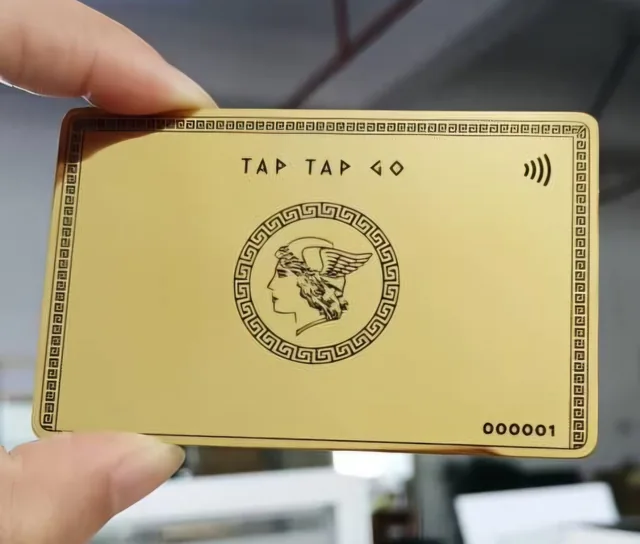
TAP TAP GO
Review the destination on a real device
Open the code through an approved testing process and inspect the destination, seller name, currency and amount entry method. Ask the payment provider which information can be fixed and which the customer supplies. Avoid assuming a scan means the customer is already in the correct payment flow. Check how the experience appears on both common mobile screen sizes and whether the destination remains understandable outside your own branded website or app.
Give the physical placement an owner
For printed or displayed codes, record where they are used and who checks them. Keep an approved master file and replace outdated versions when the offer changes. Provide a visible alternative contact or route for customers who cannot scan. The important operational question is whether a buyer can confidently connect the code to your business and purchase, rather than whether the graphic looks elegant in isolation on a poster, counter or profile card.
Hypothetical example
A hypothetical market vendor prints a QR code beside a product display. A colleague tests it and notices the customer must enter the amount manually. The vendor improves the instructions and trains staff to confirm the intended purchase, reducing confusion during busy periods without changing the underlying payment service.
Make it practical.
Use this checklist as you read. Checks are not stored.References & further reading
Background reading — PCI Security Standards Council: merchant resources ↗Published by Tap Tap Go. Product availability and eligibility vary by programme and market. About our stories.