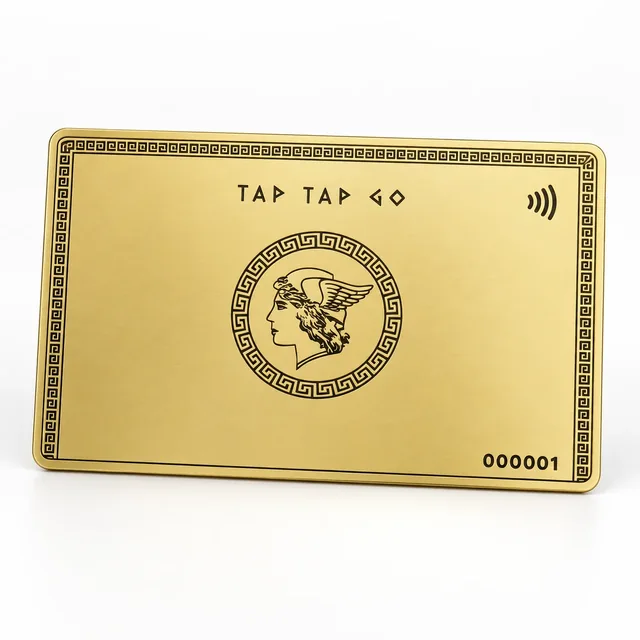
TAP TAP GO
Describe the geography accurately
A professional may serve a region without maintaining an office in every location. Use the profile’s business information to distinguish service coverage from a visitable destination. A map icon can imply a physical place, so choose its use carefully. Do not select an impressive landmark simply to suggest local presence.
Give visitors the practical next step
If meetings require arrangement, provide the relevant contact route. If the work is remote, explain that where useful. The location layer should help the recipient understand how an engagement begins, not create uncertainty about where the business operates. Review the information when the operating model changes.
Hypothetical scenario
A hypothetical consultant works with clients across several cities but has one appointment-based office. The profile explains the service area separately and links only to the actual office location.
Make it practical.
Use this checklist as you read. Checks are not stored.Published by Tap Tap Go. Product availability and eligibility vary by programme and market. About our stories.